Spite - Blood Relic

This was the first game made at TGA where we made our own game engine, the game itself took a lot of inspiration from Diablo III.

During engine development I was mostly focused on the rendering subsystem as well as the UI system, more details about these areas in their respective sections. Aside from this I also implemented support for animating skinned meshes, helped with scene management, added support for text rendering with multi-channel signed distance field fonts and helped with various other parts of the engine as well.

I implemented various tools to speed up the development workflow both for me and others.
ECS

For this project we decided to go with an entity component system. There are a couple of reasons for this but mostly we wanted to try something we had not done before in our projects at TGA. It took some getting used to the thought process, after using it for a while we found it very pleasant to work with since it naturally separates data from the logic.

UI System

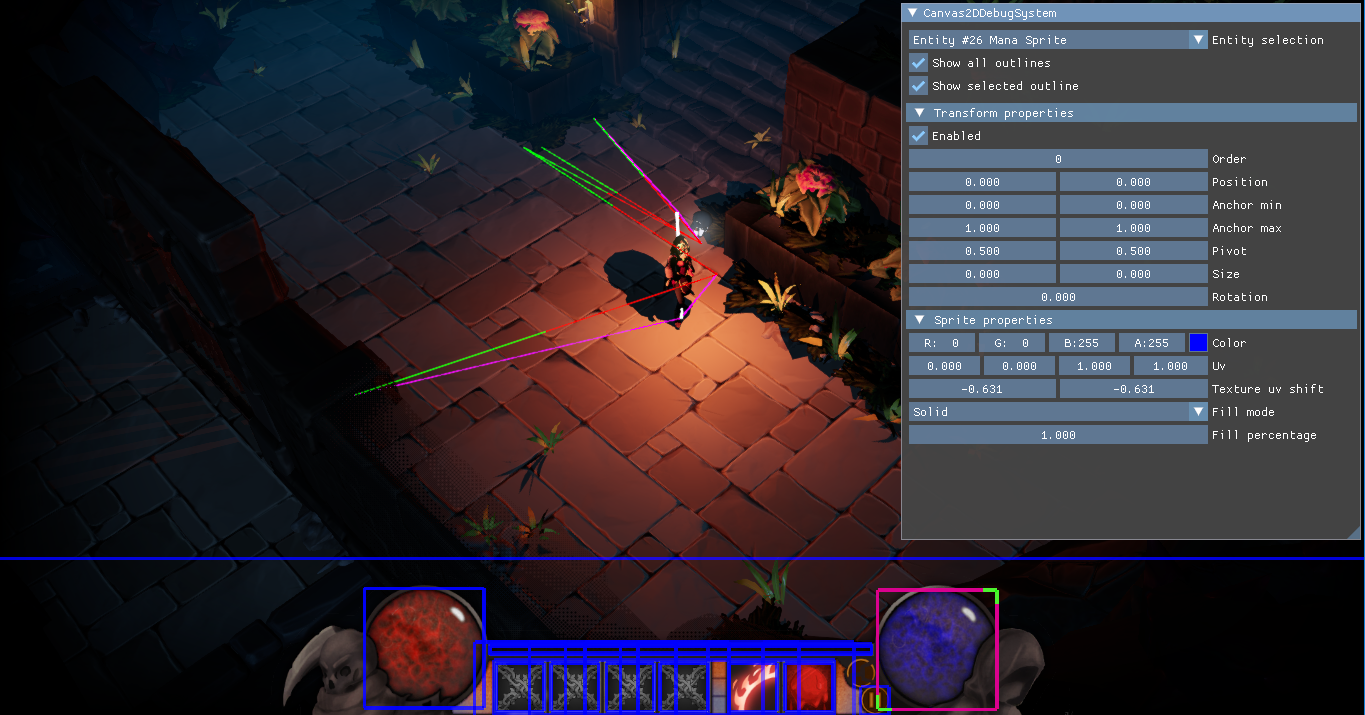
For our UI system I took inspiration from settings and features available in other engines our team had worked with before. Features implemented include nested entities, ordering, anchors, pivots, fill modes for sprites (solid & radial), text rendering using multi-channel signed distance fields and more.

Editor tool for arranging and configuring UI elements.

Outlines

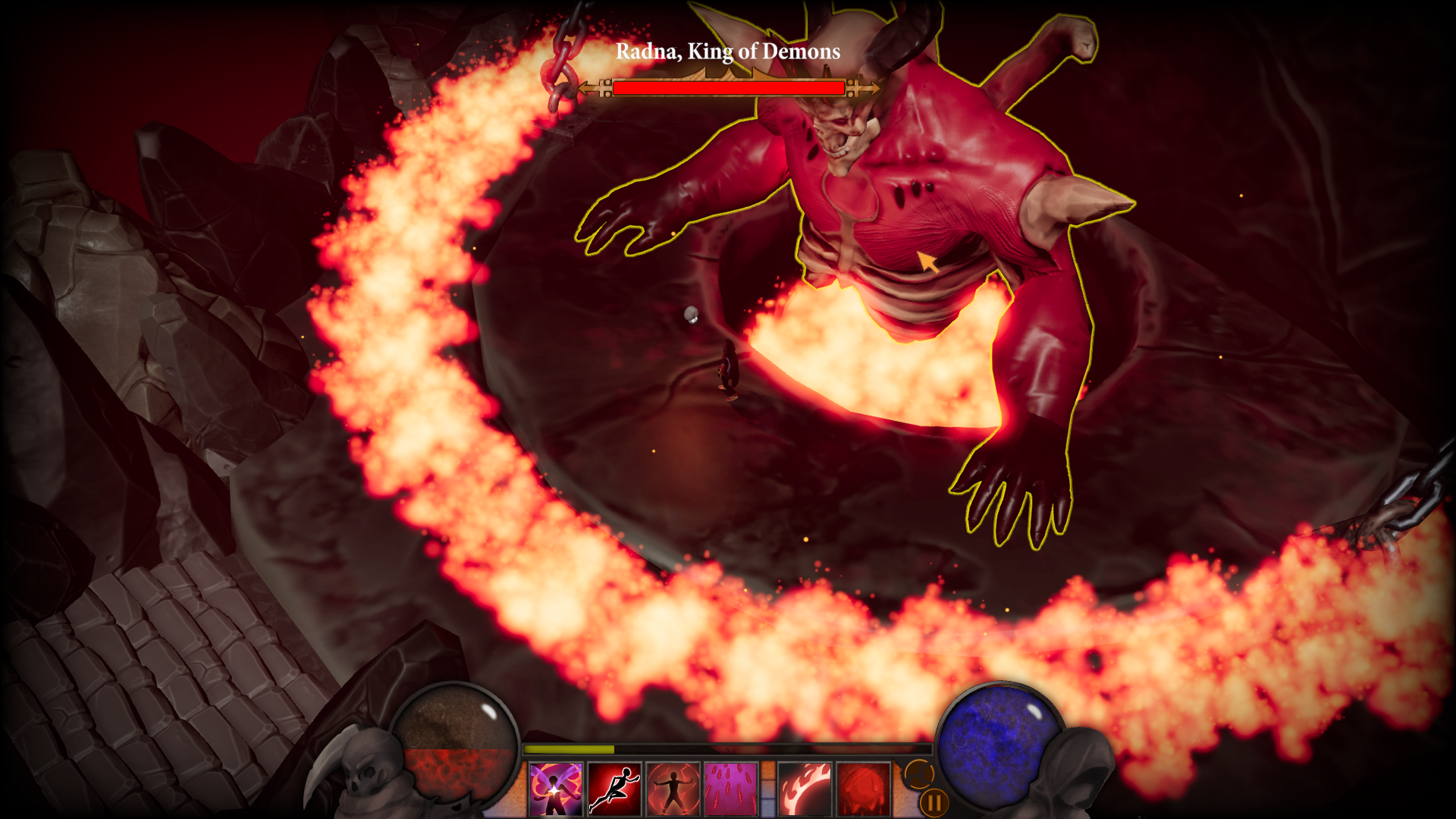
For rendering outlines I wanted to try something new and I had come up with some requirements for this system, first of all it needed to produce a nice looking outline on any mesh thrown at it, it should support both thin and thick outlines with little performance impact, support for soft/faded outlines as well as hard outlines. After researching for a while I found a promising method taking advantage of the jump flood algorithm.

This method works as follows. First we render all meshes with an outline to a grayscale texture, at the same time we also mark passing pixels in the stencil buffer, with this texture we do our initial JFA setup by writing out the screen space UV coordinates for all filled texels in the previous pass.

Next we do the actual jump flooding by running a shader sampling 9 texels in a grid around the current fragment with a particular distance, we do this several times. The amount of times the shader needs to be run depends on the outline width, with the relation runs = log2(width).

As a final step we run another shader, only once this time. The shader computes the distance for the current screen space UV coordinates to those sampled at the same location in the texture, if the distance is less or equal to the outline width we can write out the color of the outline, otherwise transparent. With this we now have a texture we can compose on top of our scene, using the stencil buffer from the first greyscale pass we can ensure we do not render to pixels inside the actual meshes.

Example of the engine's screen-space outline rendering.